4 Free Christmas Wallpapers for iPhone, iPad and Mac
For creators who want a cozy lock screen: all four free. Tap a phone to pick, then get your size:
Selected: On Air Under the Lights
The gear in the scenes, by need
Paid links. As an Amazon Associate I earn from qualifying purchases.


Short answer: Four free Christmas wallpapers for a creator's desk and phone: a mic under string lights, headphones in the snow, a wreath over a turntable and a night studio window. Each comes in iPhone (1179 × 2556), iPad (2048 × 2732) and Mac or desktop (2880 × 1800) sizes. Tap a size to open the full picture, save it, then set it in Settings on iPhone or iPad, or System Settings on a Mac.
The four designs
We drew all four ourselves as flat screen-print scenes: warm string lights, pine green, cranberry and gold on a deep navy night. On the phone and iPad versions the top 40 percent is quiet sky, so the clock and date sit on calm space, and the bottom of the picture stays clear for the home bar.
On Air Under the Lights
A vintage capsule mic on a desk stand and a small potted pine, under a swag of warm string lights.
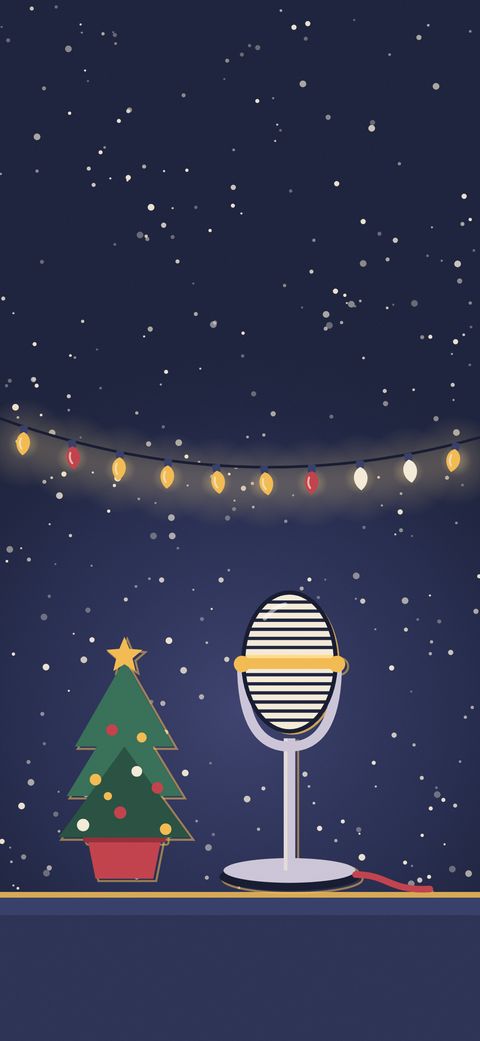
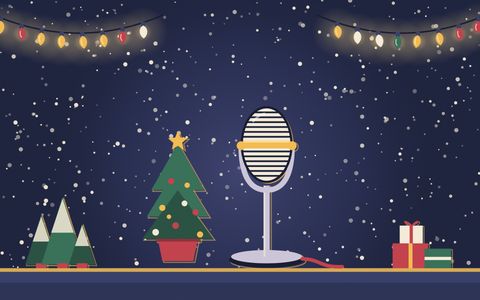
iPhone 1179 × 2556iPad 2048 × 2732Mac 2880 × 1800
Headphones in the Snow
Closed-back headphones standing over a wrapped gift, snow on the headband, cocoa steaming beside them.
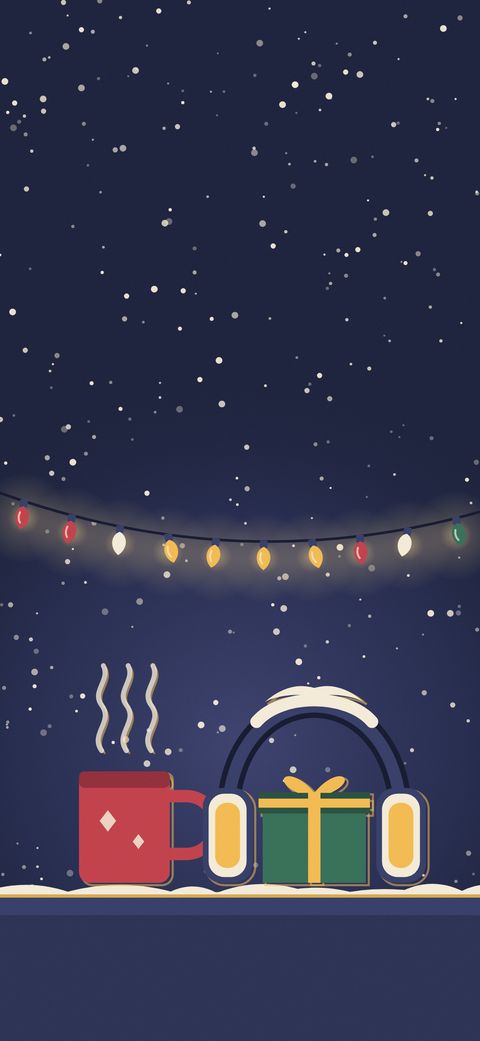
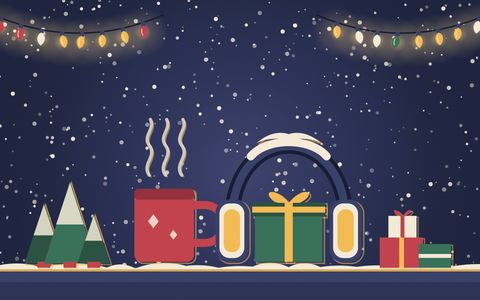
iPhone 1179 × 2556iPad 2048 × 2732Mac 2880 × 1800
Wreath Over the Turntable
A pine wreath with a red bow above a cream turntable with a record on the platter.
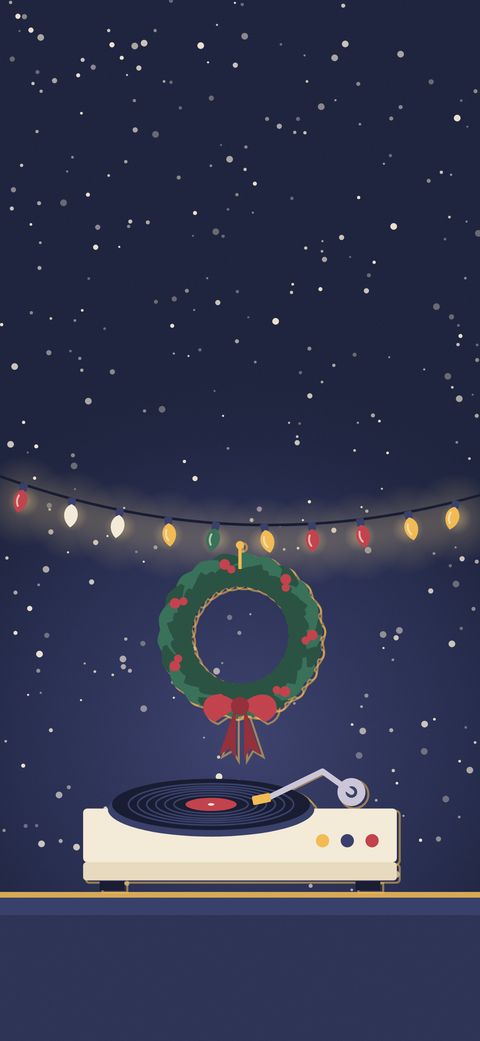
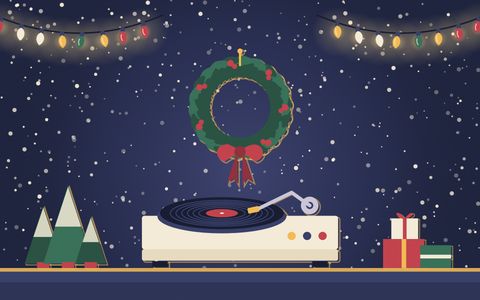
iPhone 1179 × 2556iPad 2048 × 2732Mac 2880 × 1800
Night Studio Window
A studio window on a snowy night: pines and a full moon outside, two small speakers and a candle on the sill.
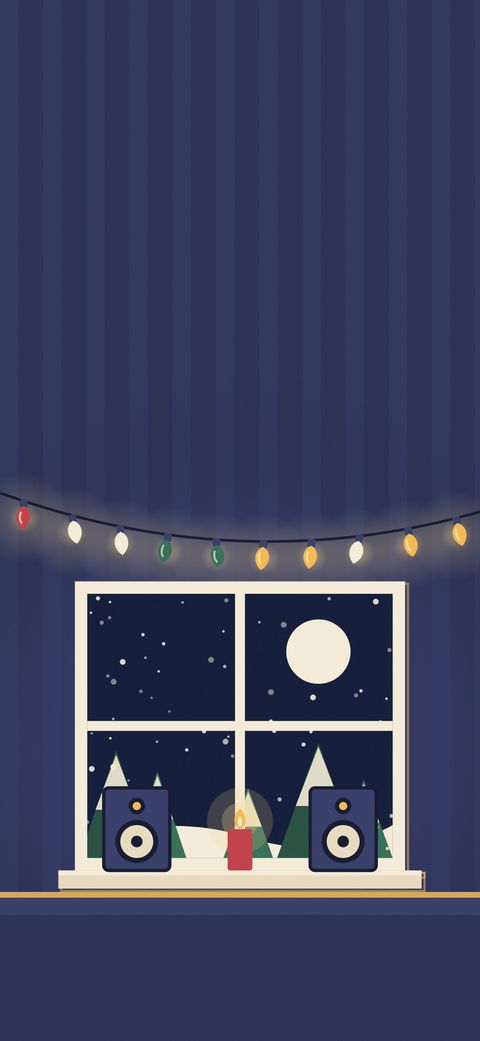
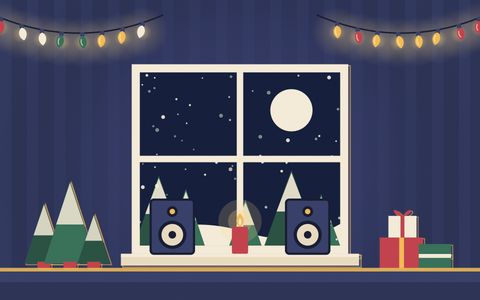
iPhone 1179 × 2556iPad 2048 × 2732Mac 2880 × 1800
How to set it on your iPhone
- On your iPhone, tap the iPhone size of the design you like. The full picture opens in a new tab, and this page stays open behind it.
- Touch and hold the picture, then choose the option that saves it to Photos.
- Open Settings, tap Wallpaper, tap Add New Wallpaper, then tap Photos and pick the picture.
- Tap Add, then Set as Wallpaper Pair to use it on both the Lock Screen and the Home Screen. Those steps are Apple's own (Apple Support).
How to set it on your iPad
Save the iPad size the same way, then go to Settings, tap Wallpaper, tap Add New Wallpaper, tap Photos, then Add and Set as Wallpaper Pair (Apple's iPad guide). The iPad file is 2048 × 2732, so it fills a large iPad in portrait; a smaller iPad scales it down.
How to set it on your Mac
- Click the Mac size, then save the picture to your Mac (in Safari, Control-click it and choose to save the image).
- Fastest route: in Finder, Control-click the saved file and click Set Desktop Picture.
- Or open System Settings, click Wallpaper, scroll to Your Photos, click Add Photo, then Choose File (Apple's Mac guide).
The desktop file is 2880 × 1800, a 16:10 shape like most MacBook screens. On a 16:9 monitor the Mac fills the screen and trims a little from the top and bottom.
Desk setup: what sits on a creator's desk
The scenes are drawn, but the desk is real for a lot of us. Past the headphones, speakers and mic above, these are the top picks from the desk and light shelves of our Products for creators hub, each the first choice of its own buying guide.
The rest of the desk, by need
Paid links. As an Amazon Associate I earn from qualifying purchases.



A hub for a USB-C laptop and a camera card
Satechi 8K Multiport Adapter V3
Search Satechi adapter on Amazon
- A desk key light for talking-head videos: which light, where to put it, and the common complaint.
- Monitors for video editing, from a 27-inch 4K pick up.
- USB-C hub or dock for a creator laptop.
- Studio speakers for a small room.
Every shelf is on the Products for creators hub.
Free to use, with one ask
Use these on your own phone, iPad and computer, and share this page with anyone who wants them. Please do not sell them or re-post the files as your own; link here instead, so people get every size.
More guides
- Gifts for video creators: mics, storage and lights.
- Holiday gift guides 2026, by person.
- Fashion gifts for creators and music lovers.
The wallpapers are free and carry no links. The gear picks are affiliate links: As an Amazon Associate I earn from qualifying purchases. Buttons that say "See the..." (the Samson Q2U and the Dell monitor) open one product listing; buttons that say "Search..." open an Amazon search for that model. There are no prices here because they change often.
Frequently asked questions
Are these Christmas wallpapers free?
Yes. Use them on your own phone, iPad and computer. Please do not sell them or re-post the files as your own; share this page instead.
What size is a Christmas wallpaper for iPhone?
The iPhone files here are 1179 by 2556 pixels. In Settings you can customize the picture before you tap Add, and iPhones with other screen sizes scale it to fit.
Will the clock cover the picture?
No. On the phone and iPad versions the top 40 percent is quiet night sky, so the clock and date sit on calm space and the main object sits lower down.
Do these work on a Windows PC?
Yes. The desktop file is a plain JPG at 2880 by 1800; save it and choose it as your desktop background in your computer's settings.
Why does a free wallpaper page have shopping links?
The wallpapers are free. The page earns from the optional gear picks, which are affiliate links, and the disclosure sits beside them.